Cheapest SMM Panel for Instagram, YouTube, Facebook & More
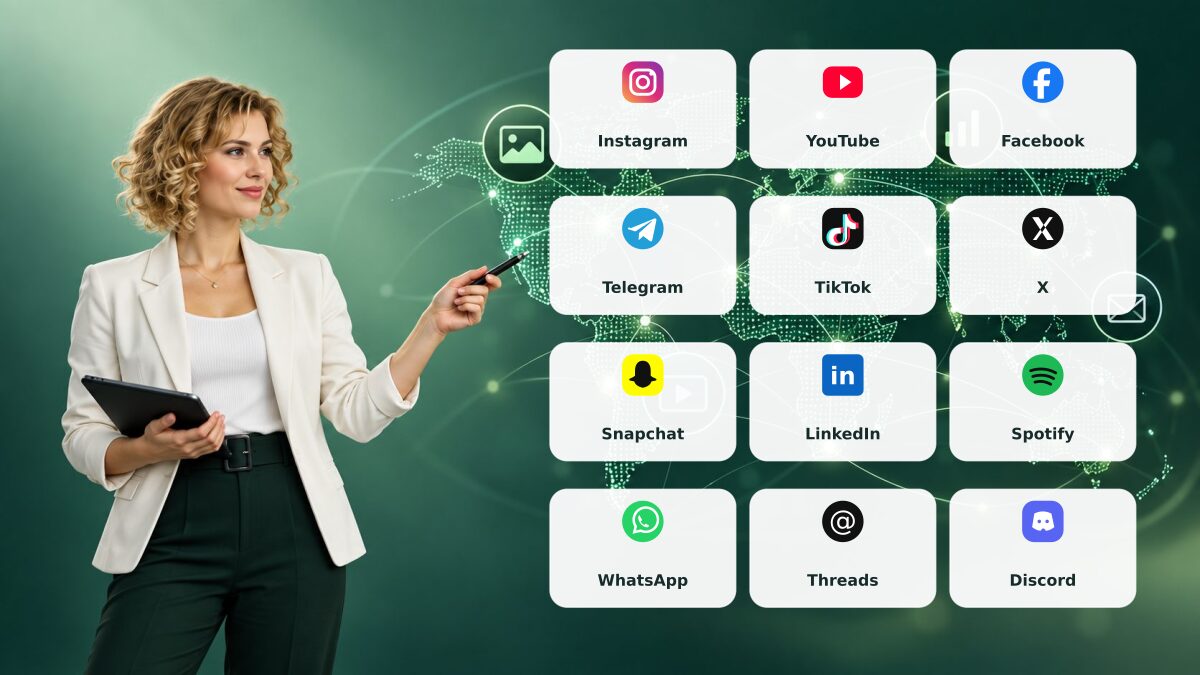
Explore social media promotion services from one dashboard. Browse Instagram, YouTube, Facebook, Telegram, TikTok, X, Snapchat, LinkedIn, Spotify, WhatsApp and Discord options, then review each listing's price, requirements, estimated timing and terms.
Explore SMM Panel Services
High quality
We always strive to provide the best services possible.
Multiple payment options
We offer various options to add funds to your account.
Low prices
All services offered on our panel are super affordable.
Fast delivery
We provide automated order processing on our panel.
SMM Panel at a Glance
A quick overview of our listed services, completed orders, customers and support availability.
50K+
Happy customers who use our panel across social platforms.
500+
Listed services across Instagram, YouTube and more.
1M+
Orders completed through the panel.
24/7
Support availability for account and order questions.
Why Choose SMM Panel Cheapest?
Learn why using our panel is the best & cheapest way to get popular online.

Broad Platform Coverage
Browse service pages for Instagram, YouTube, Facebook, Telegram, TikTok, X, Snapchat, LinkedIn, Spotify, WhatsApp and Discord.

Clear Service Details
Review the description, listed price, order requirements and estimated timing before placing an order.

Order Tracking
Check the status of submitted orders from your account dashboard.

Support Access
Need help with an order? Contact support through the ticket area and include your order ID.
How to Use Our SMM Panel
Follow these steps to find a service, review its details and track your order.
Create an Account
Register to access the service catalogue and your account dashboard.
Choose a Platform
Open the platform category that matches the public profile, post or channel you want to promote.
Review the Service
Check the service description, supported link type, quantity limits, price, estimated timing and terms.
Track Your Order
Submit the order and view its status in your dashboard. Contact support if you need help.
Before You Place an Order
Use this quick checklist to compare services and set clear expectations.
Browse SMM Panel Services by Platform
Use the category pages below to find relevant listings. Each service can have different link requirements, quantity limits, prices, delivery estimates and terms, so check its current details before placing an order.
- Instagram SMM Panel
- YouTube SMM Panel
- Facebook SMM Panel
- Telegram SMM Panel
- TikTok SMM Panel
- Twitter / X SMM Panel
- Snapchat SMM Panel
- LinkedIn SMM Panel
- Spotify SMM Panel
- WhatsApp SMM Panel
- Threads SMM Panel
- Browse the full service catalogue, including other available platforms
How to Compare SMM Services
- Match the service to the correct public profile, post, video or channel URL.
- Read the listing for minimum and maximum quantity, price, estimated timing and any refill or cancellation conditions.
- Check current platform rules before ordering. Platforms may restrict or remove inauthentic engagement.
- Never share your social account password, login code or recovery details to place an order.
Place an Order and Track Progress
- Create an account and open the service catalogue.
- Select a category and service, then read its requirements.
- Enter the requested public link and quantity; review the order summary before submitting.
- Check order status in your dashboard. Contact support with your order ID if you need help.
Delivery timing and outcomes vary by listing. No service can guarantee account safety, reach, monetization, sales or a particular audience response. Keep publishing useful original content and measure campaigns with your own analytics.
Reseller and API Information
If you manage your own panel, review the current API information and its requirements before connecting a service. Available functions and terms are described on the API page; confirm details there before making commitments to your customers.
Payments and Current Pricing
Prices and payment methods can change. Check the live service listing for the current rate and the add-funds or checkout screen for supported payment options before depositing money.
Illustrative Campaign Workflow (Example Only)
This is a general example, not a real client case study or measured result: a small shop preparing a product announcement checks platform rules, compares the listing details for its public post, submits an order if appropriate, and tracks its own referral visits or inquiries. No named business, sales increase or performance result is being claimed.
Explore the Full Catalogue
Visit all SMM panel services to browse current platform categories, compare listings and confirm availability.
Frequently Asked Questions about Our SMM Panel
Answers about platform coverage, ordering, payments and support. Check the service catalogue for current details.
What is an SMM panel?
An SMM panel is an online dashboard where users can browse and order social media promotion services. Available options depend on the platform and provider.
Which platforms do you support?
The catalogue includes pages for Instagram, YouTube, Facebook, Telegram, TikTok, X, Snapchat, LinkedIn, Spotify, WhatsApp and Discord. Exact service types vary, so check the current catalogue.
Are SMM services guaranteed to be safe?
No service can guarantee that an account will be unaffected. Social platforms set their own rules and may limit or remove engagement they consider inauthentic. Review the platform terms and service details before ordering.
What are mass orders?
A mass order lets you submit multiple requests in one submission. Match each service with the correct link and quantity before placing it.
What does drip-feed do?
When available, drip-feed schedules an order in smaller portions over time. It does not make a service organic or remove platform-related risks; check the listing before using it.
Is it safe to buy SMM services?
We cannot guarantee account safety or platform outcomes. Review the applicable platform terms and the service details before placing an order.
How long will an order take?
Start and completion times vary by service and provider. Check the estimate shown in the listing and use your dashboard to follow order status.
Which payment methods are available?
Payment options can vary. Check the methods displayed on the add-funds or checkout screen before making a deposit.
Can I resell services through this panel?
The panel offers API and reseller options. Review the API page and current terms to confirm available features and requirements.
What if an order is delayed or incomplete?
Check the order status and service terms in your dashboard. If you need help, open a support ticket with the order ID; resolution depends on the published service and refund policy.
Where can I check a service’s price and requirements?
Open the current service listing to check its rate, minimum and maximum quantity, link requirements, delivery estimate and any refill or cancellation terms before ordering.
How do I contact support about an order?
Open a support ticket from your account and include the order ID plus a short description of the issue. You can also use the contact options listed in the site footer.
Do I need technical experience to use the panel?
No. Our panel is designed to be completely beginner-friendly. If you can use a website, you can use our SMM panel. The entire process — from registration to order tracking — is straightforward and requires no technical knowledge.